Can You Use IPTV Expert on a Samsung TV? Supported Options Explained
IPTV Expert has no Samsung Tizen app. Here's the honest path: cast from your phone on Cast-enabled Samsung TVs, or add an external Android TV device.
IPTV Expert does not have a Samsung Tizen app. There's no listing in Samsung's Smart Hub. There's no sideload route either, unlike on Fire TV. That's the direct answer. It isn't the whole story, though. Depending on your TV's age and firmware, you have one of two genuinely working paths to watch IPTV Expert on a Samsung screen. This guide only covers the ones that actually hold up.
Key takeaways
- IPTV Expert has no native Samsung Tizen app. Don't look for it in Smart Hub — it isn't there, and nothing in this guide asks you to sideload one.
- If your Samsung TV supports Google Cast (2024 and newer models, expanding to some 2023 sets via firmware update), you can cast IPTV Expert directly from your phone, tablet or computer — no extra hardware.
- If your Samsung TV doesn't support Google Cast yet, plug in an Android TV box, Google TV stick or Fire TV device instead. IPTV Expert already ships a native Android TV build for exactly that setup.
Does IPTV Expert have a Samsung Tizen app?
No. Samsung Smart TVs run Tizen. That's a different operating system from Android TV, Fire TV or Google TV, gated entirely differently too. An app has to be submitted, approved and published specifically for Tizen's Samsung Apps store. That's a separate build from the Android app most IPTV Expert users install. IPTV Expert has not published one. Searching Samsung's own app catalog for it turns up nothing. A handful of unrelated IPTV apps exist there instead, none of them IPTV Expert.
That matters for a practical reason. If a site or forum tells you to "sideload IPTV Expert on your Samsung TV," it's describing a process that doesn't apply here. Samsung's Tizen platform doesn't support the kind of unknown-sources sideloading Fire TV allows. There's also no first-party IPTV Expert Tizen build to sideload in the first place. Skip that advice. Use one of the two paths below instead.
Path 1: cast IPTV Expert from your phone or computer
Samsung has been building native Google Cast support directly into its TVs. Casting is "available starting from the 2024 smart TV models," per Samsung's own product page, with 2025 U8000F-and-above sets supported today. Samsung adds that a "wider range of models" will gain it "through software updates" (Samsung, 2026). Independent reporting points to the firmware behind the rollout: One UI Tizen v2115 (2115.3 or later). It began reaching TVs in April 2026. Coverage includes all 2026 Neo QLED, OLED and Crystal UHD models, plus the 2024–2025 S90D, S95D and QN series. Select 2023 flagships like the S90C and S95C are getting a gradual expansion too (XDA Developers, 2026).
If your TV falls into that group, you don't need an app on the TV at all. IPTV Expert's iPhone, iPad, Android, macOS and Windows apps already include a Cast button. It connects to any Google Cast receiver on your network. A Cast-enabled Samsung TV is exactly that.
Check whether your Samsung TV supports Google Cast
- Open your Samsung TV's settings and find the software or firmware version. Look under Settings > Support > Software Update or Settings > General > About This TV, depending on your menu.
- Compare it against One UI Tizen v2115.3 or later. Google Cast is likely already present if your TV is a 2024 or newer model with the latest available update installed.
- No firmware update available yet for a 2023 model? Samsung describes this as a gradual rollout. Check back periodically. There's no fixed date guaranteed for every unit.
Cast IPTV Expert to a Cast-enabled Samsung TV
Samsung's own instructions for this feature are simple, and they apply directly to IPTV Expert: "Tap the Cast icon in the app and select the Samsung TV to start casting" (Samsung, 2026). Samsung also lists the baseline requirements. You need an Android phone on Android 6 or later, or an iPhone on iOS 12 or later. Your phone, tablet or computer must share the same Wi-Fi network as the TV.
- Confirm your phone or computer and your Samsung TV are on the same Wi-Fi network.
- Open IPTV Expert and start playing a source, or open the app's Cast menu.
- Select the Cast icon inside IPTV Expert.
- Choose your Samsung TV from the list of available devices.
- Playback continues on the TV. Use IPTV Expert's on-device controls to pause, seek or stop.
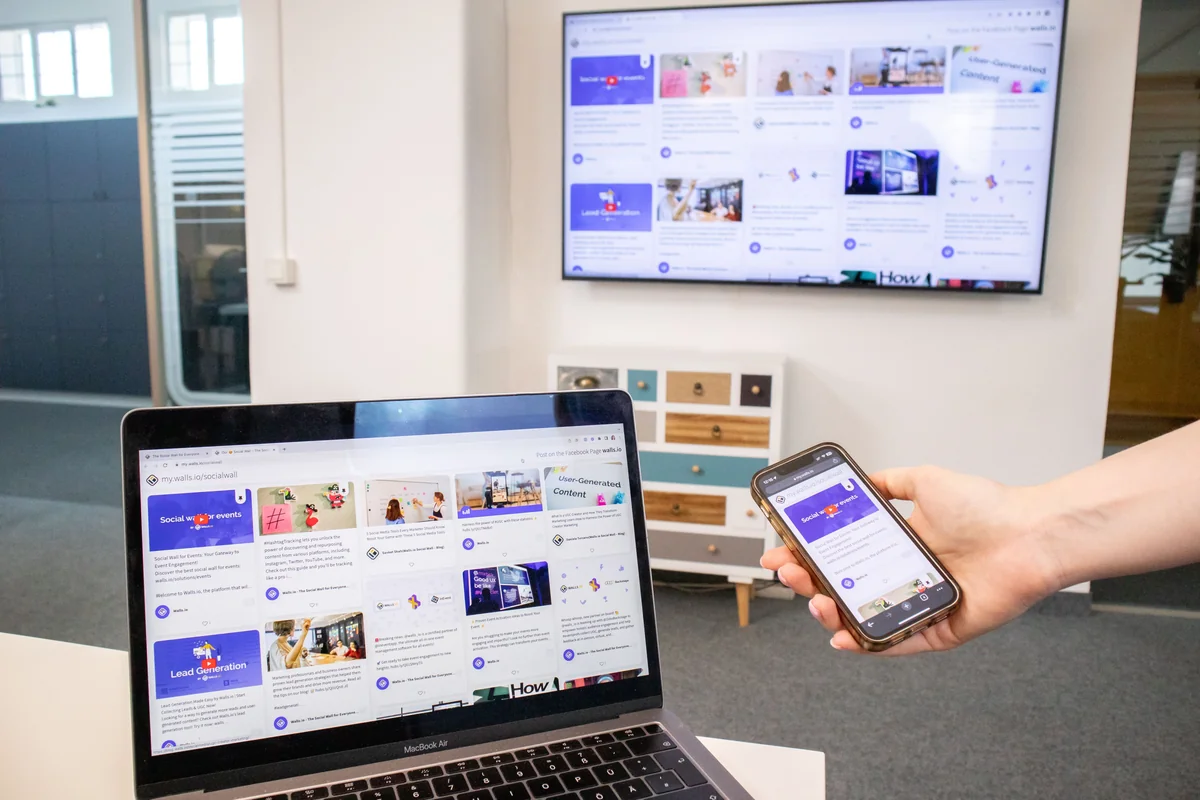
What casting does and doesn't do
Casting sends the video stream and playback controls to your Samsung TV. It doesn't install IPTV Expert on the TV itself. Your phone, tablet or computer stays part of the loop. Closing IPTV Expert or losing its network connection can interrupt playback, since the TV isn't running an independent copy of the app. Think of it as the TV becoming a second screen for IPTV Expert, not a fully separate device installation. That's normal Google Cast behavior. It isn't a limitation specific to IPTV Expert.
Path 2: add an external streaming device
Your Samsung TV might predate Google Cast, or its firmware update might not have landed yet. Either way, the honest option is to add a small external device. Don't wait around, and don't try to force an install that doesn't exist. IPTV Expert already ships a dedicated Android TV build. It's the same build used on Android TV boxes, Google TV devices and select Fire TV hardware, so this isn't a workaround invented for this guide. It's the same install path IPTV Expert already documents for those platforms.
Devices that work
- Android TV or Google TV box or stick. Plug it into any free HDMI port on your Samsung TV, then switch the TV's input and set it up like any other streaming device. IPTV Expert's Android TV build installs the same way it does on dedicated Android TV hardware. See Best IPTV Player for Android TV and Google TV in 2026 for device options.
- Amazon Fire TV Stick or Cube. Also connects over HDMI. It runs IPTV Expert's Android TV build through sideloading. How to Install IPTV Expert on Fire TV Safely walks through the exact Downloader-code steps, including which current Fire TV models can and can't sideload.
- Chromecast with Google TV. Functions as its own Android TV-class device once plugged in. That works independently of whether your Samsung TV has native casting.
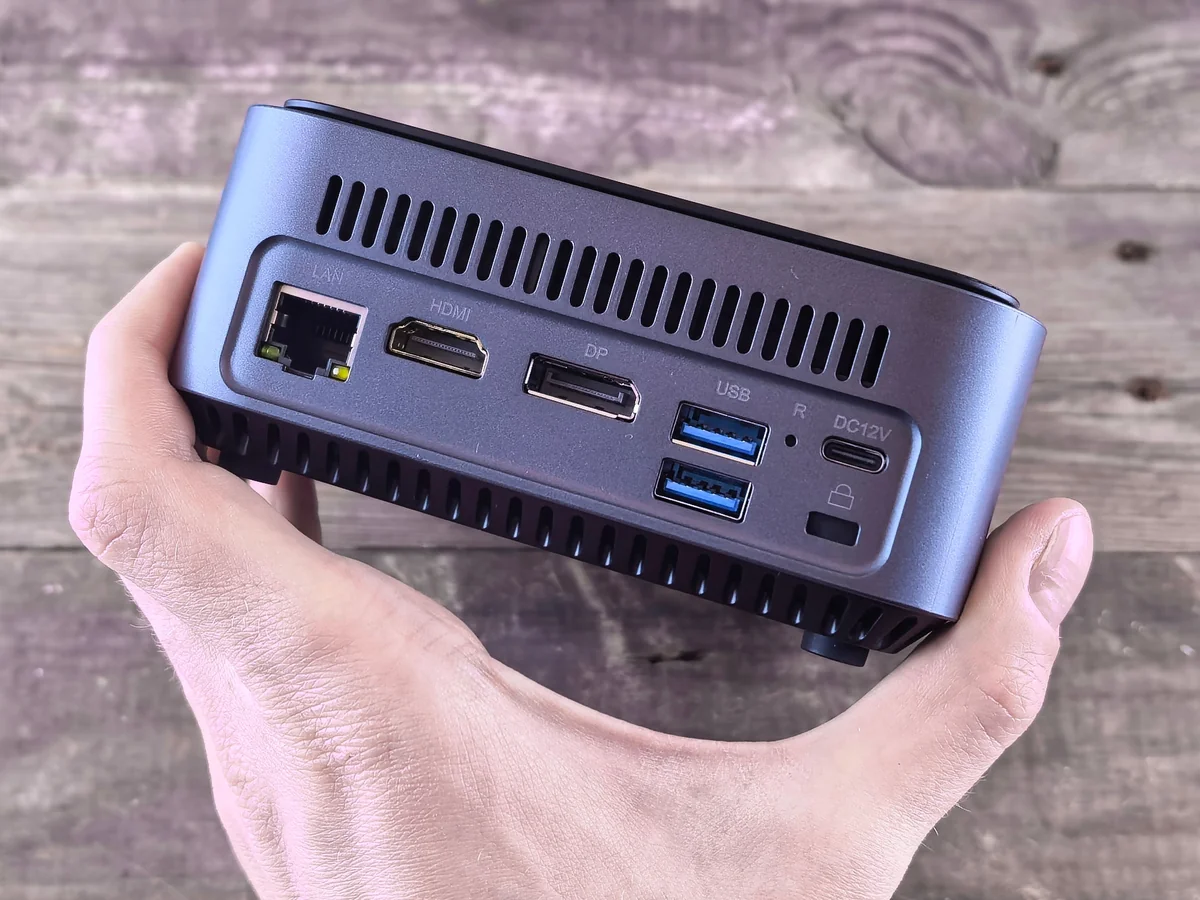
Install IPTV Expert on the connected device
Plug in the external device, select it as your Samsung TV's input, and connect it to Wi-Fi. Then install IPTV Expert using the same route as any other Android TV or Fire TV setup:
- On an Android TV or Google TV device, use the official direct Android TV APK. Or use the Downloader code shortcut if your device supports sideloading.
- On Fire TV specifically, follow the Fire TV install guide end to end. It covers the Vega OS sideloading exception on some newer Fire TV Sticks — an issue tied to the Fire TV hardware itself, regardless of which TV it's plugged into.
- Open IPTV Expert from the external device's home screen or apps row, exactly as you would on any Android TV or Fire TV setup.
This route has one advantage over casting: IPTV Expert runs natively on the streaming device. Playback doesn't depend on a phone or computer staying connected.

Which path applies to your Samsung TV?
| Your situation | Path | What you need |
|---|---|---|
| 2024–2026 Samsung TV with the latest firmware installed | Path 1 — cast from phone/computer | Same Wi-Fi network, IPTV Expert's Cast button |
| 2023 Samsung flagship, firmware update not yet received | Wait for Path 1, or use Path 2 now | Check Settings > Software Update periodically |
| Older Samsung TV with no Google Cast support planned | Path 2 — external streaming device | Any free HDMI port and an Android TV, Google TV or Fire TV device |
| Want IPTV Expert to keep playing without your phone staying active | Path 2 — external streaming device | Same as above |
Troubleshooting
| Symptom | Likely cause | What to check |
|---|---|---|
| No Cast icon shows in IPTV Expert | Your phone or computer platform build doesn't expose casting, or Platform restrictions apply on Linux |
Confirm you're on iOS, Android, macOS or Windows; Linux builds don't expose the Cast button |
| Samsung TV doesn't appear in the device list | TV firmware predates Google Cast, or TV and phone are on different networks | Recheck the firmware version under TV settings, and confirm both devices share the same Wi-Fi network |
| External device installed but doesn't show on the Samsung remote's app row | Some Samsung remotes only show Samsung-native apps, not HDMI-input devices | Use the TV's source/input button to switch to the correct HDMI input directly instead of looking for an app icon |
| Cast connects but playback stutters | Normal Wi-Fi casting behavior under network load, unrelated to Path 2 | Move the router closer, or switch to Path 2's external device, which plays back locally instead of streaming over Wi-Fi from your phone |
FAQ
Is there a Samsung Tizen version of IPTV Expert planned? This guide reflects the current state of IPTV Expert's supported platforms. There's no Tizen build available today. Nothing here should be read as a promise of one.
Will casting work on every Samsung TV? No. It depends on your TV's model year and firmware version. Check Settings > Software Update, or Samsung's own support page, to confirm your specific set.
Does Path 2 need a Samsung-specific setup step? No. An Android TV box, Google TV stick or Fire TV device plugged into any HDMI port works the same way regardless of TV brand. The Samsung TV only acts as a display.
Can I use both paths on the same TV? Yes. They're independent. Casting from a phone doesn't require or block an external device plugged into another HDMI port, and vice versa.
Next steps
Already have an external Android TV or Fire TV device set up? How to Add an M3U Playlist to IPTV Expert covers adding a source once the app is installed. Comparing device options before you buy one? Best IPTV Player for Fire TV in 2026 and Best IPTV Player for Android TV and Google TV in 2026 cover the wider field side by side. Splitting IPTV Expert across a Samsung TV and other devices? Best IPTV Player for Multiple Devices and Cloud Sync explains what carries over between them, and what doesn't.
Ready to get IPTV Expert on the device you'll actually use? The full download chooser routes you to the right build for your phone, computer or streaming device.

IPTV Expert
Watch on your screen
Download IPTV Expert for your preferred platform.
 Editorial & Product TeamIPTV Expert TeamThe IPTV Expert team documents advanced playback, playlist management, device setup, codecs, EPG and troubleshooting from hands-on testing across supported platforms.
IPTV Expert does not provide, host or sell channels, playlists or subscriptions.