Best IPTV Player for Fire TV in 2026: Sideload-Verified Apps Compared
See the best IPTV player for Fire TV in 2026 — D-pad navigation, sideload paths, and which new Fire TV Sticks can no longer sideload apps at all.

Most "best IPTV player for Fire TV" lists still assume every Fire TV Stick can install an app the same way. That assumption broke in 2026. Amazon's newest sticks run a different operating system that blocks sideloading entirely. No roundup is useful if it skips straight to app names before checking whether your specific device can even install one.
This comparison starts with that device check. It then looks at what actually matters once you're holding a D-pad remote instead of a touchscreen: focus-driven navigation, an on-screen keyboard for typing a source URL, and a real, verified install path. Almost none of the apps here live in the Amazon Appstore.
Key takeaways
- The 2026 Fire TV Stick HD and Fire TV Stick 4K Select run Amazon's new Vega OS and cannot sideload apps or run the Downloader app at all. Older Fire OS models still can.
- IPTV Expert ships a dedicated Android TV app with D-pad focus navigation and an on-screen keyboard, distributed through a first-party APK and a Downloader code — not the Amazon Appstore.
- IPTV One follows in second place with the same sideload-only distribution pattern; virtually no app in this comparison is listed in the Amazon Appstore.
Can your Fire TV even sideload an app in 2026?
Check this before anything else: if your Fire TV Stick is one of Amazon's newest models, none of the install methods below will work on it yet. Starting with the Fire TV Stick 4K Select, Amazon began shipping new sticks on Vega OS. It's a Linux-based platform that blocks sideloading outright (AFTVnews, 2026).
Two current models run Vega OS and can't sideload: the 2026 Fire TV Stick HD (2nd generation) and the Fire TV Stick 4K Select. To check which one you have, go to Settings > My Fire TV > About and look at the software version. If the version number starts with "1.", it's a Vega OS device (AFTVnews, 2026). As a quick rule, skip anything with "SELECT" in the name.
Everything else currently sold still runs Fire OS, Amazon's Android-based system, and supports sideloading normally. That list covers the 1st-generation Fire TV Stick HD, Fire TV Stick 4K Plus, Fire TV Stick 4K Max, Fire TV Cube, and Fire TV Edition smart TVs.
It's also worth knowing that Amazon has separately been blocking sideloaded apps identified as providing access to pirated content since February 2026. That's part of an anti-piracy enforcement effort, and it's a different mechanism from the Vega OS hardware change. It targets piracy-specific apps rather than neutral player software. IPTV Expert doesn't provide channels, playlists or any third-party content itself, so this enforcement isn't about the player — only about what you point it at.
Already have an M3U URL, Xtream Codes login or Stalker Portal MAC address ready to go? How to Add an M3U Playlist to IPTV Expert covers the exact add-source steps. Not sure yet what format your provider gave you? What Is an M3U Playlist? Formats, Examples and Player Setup explains the format itself first.
What actually matters on a Fire TV IPTV player?
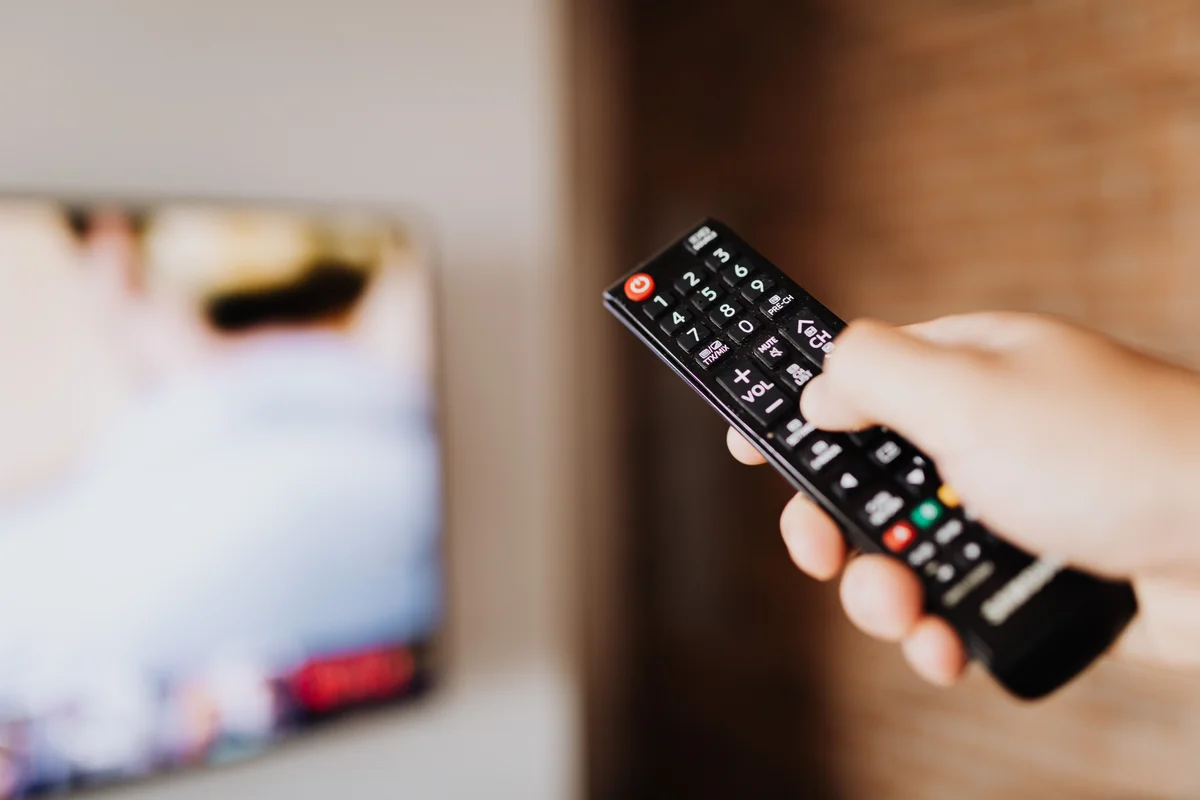
On a 10-foot screen with only a D-pad remote, three things matter that don't matter on a phone. Does the app navigate cleanly with directional focus instead of taps? Does it include an on-screen keyboard for typing a source URL or login, since there's no physical keyboard? And can you actually install it — because, as the device check above already hints, almost none of these apps are in the Amazon Appstore at all.
That last point applies across this entire comparison, not just to one app. Every player covered below, including both IPTV Expert and IPTV One, is distributed to Fire TV through sideloading rather than a store listing. That's an industry-wide pattern worth stating plainly rather than treating as a hidden downside of any single app. The sideload tool itself, a free app called Downloader, is one of the few IPTV-adjacent tools that actually is in the Amazon Appstore (AFTVnews, 2026), which is what makes every install path in this article possible in the first place.
If you'd rather see the wider cross-platform picture first, Best Free IPTV Players in 2026 compares player software across every supported operating system, including Fire TV, before this article narrows down to the Fire TV experience specifically.
IPTV Expert
IPTV Expert ranks first because it ships as its own dedicated Android TV app, not a phone interface stretched onto a bigger screen. That build declares standard leanback support and registers as a TV-launcher app, the same mechanism Fire TV's home screen uses to surface apps in its TV-optimized row. Navigation across the home rail, categories and lists runs on directional focus, so arrow-key presses on your remote move between items the way they should on a television.
Typing still works without a physical keyboard: there's a dedicated on-screen keyboard for entering a source URL or an Xtream Codes login, with focus handling built specifically for that screen. Source setup covers M3U, Xtream Codes and Stalker Portal, the same add-source flow used on every other IPTV Expert platform.
Worth knowing before you install: this build doesn't have working Picture-in-Picture or Chromecast casting, even though those exist elsewhere in the product on other platforms. There's also no dedicated hardware media-key shortcut layer beyond standard D-pad select and navigation — you won't find a physical rewind or fast-forward button mapped to anything special. If either of those matters for your setup, weigh it against what you actually need day to day.
Because there's no Amazon Appstore listing to install from, get it with the official direct APK, or open the Downloader app on your Fire TV and enter code 2875653 at the Downloader code shortcut — either route installs the same build.

IPTV One
IPTV One comes second. Like IPTV Expert, it isn't listed in the Amazon Appstore either — it's sideloaded the same way, through the Downloader app, and is compatible with the current range of Fire TV Stick and Fire TV Cube hardware that still supports sideloading.
Its position here is deliberately positive and factual. IPTV One is a strong alternative from the same publisher family, and a reasonable pick if you're already using other apps from that family elsewhere in your setup.

TiviMate
TiviMate is widely built around the television-first, remote-driven experience rather than treating it as a secondary use case. It supports M3U, Xtream Codes and Stalker Portal sources, multiple playlists, and catch-up viewing of past broadcasts through its EPG. It isn't in the Amazon Appstore, so it follows the same sideload path as everything else in this comparison.
For this specific Fire TV comparison, that television-first design is a genuine strength rather than a limitation — it's built for exactly the screen and remote you're using here. If you're specifically looking for TiviMate, confirm its current listing directly before installing, since app-store listings for IPTV players do occasionally change or become temporarily unavailable.
IPTV Smarters Pro
IPTV Smarters Pro needs one extra step before you install it on Fire TV: verifying you have the real app. The original app was removed from an official store years ago following a rights complaint, and a number of similarly named, similarly branded apps have circulated since — some legitimate, some not affiliated with the original developer at all.
If this is specifically the app you want, check the developer name on whatever listing or source you're installing from rather than trusting the title or icon alone. It isn't available in the Amazon Appstore, so sideloading is the standard install method here too.
GSE Smart IPTV
GSE Smart IPTV rounds out the ranked list. It supports M3U and Xtream Codes sources with an XMLTV-based EPG, and its interface spans more than 30 languages per its own listing — useful if your household streams in more than one language. It isn't listed in the Amazon Appstore either, so the same sideload-via-Downloader pattern applies here as it does across its Android and desktop distribution. If you already have Xtream Codes credentials ready for any of these apps, How to Set Up Xtream Codes in IPTV Expert walks through the login format and common error states.
Also sideloadable: Perfect Player IPTV and XCIPTV Player
Two more names come up often in Fire TV searches. Perfect Player IPTV supports M3U and Xtream sources with EPG integration, and like every app above, it isn't in the Amazon Appstore — sideloading is the only install path. XCIPTV Player follows the same pattern: no Amazon Appstore listing, sideload only. Neither gets a full ranked section here, since this comparison focuses on the five apps with the most consistently verifiable Fire TV distribution details.
How do these Fire TV IPTV players compare?
| App | Source formats | Remote navigation | Amazon Appstore listing | Fire TV install path |
|---|---|---|---|---|
| IPTV Expert | M3U, Xtream Codes, Stalker Portal | Dedicated D-pad focus navigation + on-screen keyboard | Not listed | Official direct APK or Downloader code 2875653 |
| IPTV One | M3U/M3U8, Xtream Codes, Stalker Portal | Remote-driven TV interface | Not listed | Sideload via Downloader |
| TiviMate | M3U, Xtream Codes, Stalker Portal | Built TV/remote-first | Not listed | Sideload via Downloader |
| IPTV Smarters Pro | Common IPTV formats | Standard TV interface | Not listed | Sideload via Downloader (verify developer first) |
| GSE Smart IPTV | M3U, Xtream Codes | Standard TV interface | Not listed | Sideload via Downloader |
Which IPTV player should you pick for Fire TV?
Start with your hardware, not the app list. If you have a brand-new Fire TV Stick HD or Fire TV Stick 4K Select, none of these apps can be sideloaded on it yet — that's a Vega OS limitation, not an app problem. If you're on a Fire OS model, this comparison points to IPTV Expert first. It's a dedicated Android TV build with real D-pad focus navigation and an on-screen keyboard, installed through a first-party APK or Downloader code rather than an unverifiable third-party mirror. IPTV One is a solid second choice, especially if you're already using other apps from its publisher family.
Also worth reading: if you split your streaming between a Fire TV and a phone or a Mac, Best IPTV Player for Android in 2026 and Best IPTV Player for Mac in 2026 cover the equivalent comparisons for those devices.
Ready to install on a Fire OS device? Get the official direct APK, or open Downloader on your Fire TV and enter code 2875653 at the Downloader code shortcut. If you're not on Fire TV after all, the full IPTV Expert download chooser covers every supported device instead.

IPTV Expert
Watch on your screen
Download IPTV Expert for your preferred platform.
 Editorial & Product TeamIPTV Expert TeamThe IPTV Expert team documents advanced playback, playlist management, device setup, codecs, EPG and troubleshooting from hands-on testing across supported platforms.
IPTV Expert does not provide, host or sell channels, playlists or subscriptions.