
Flexible source import
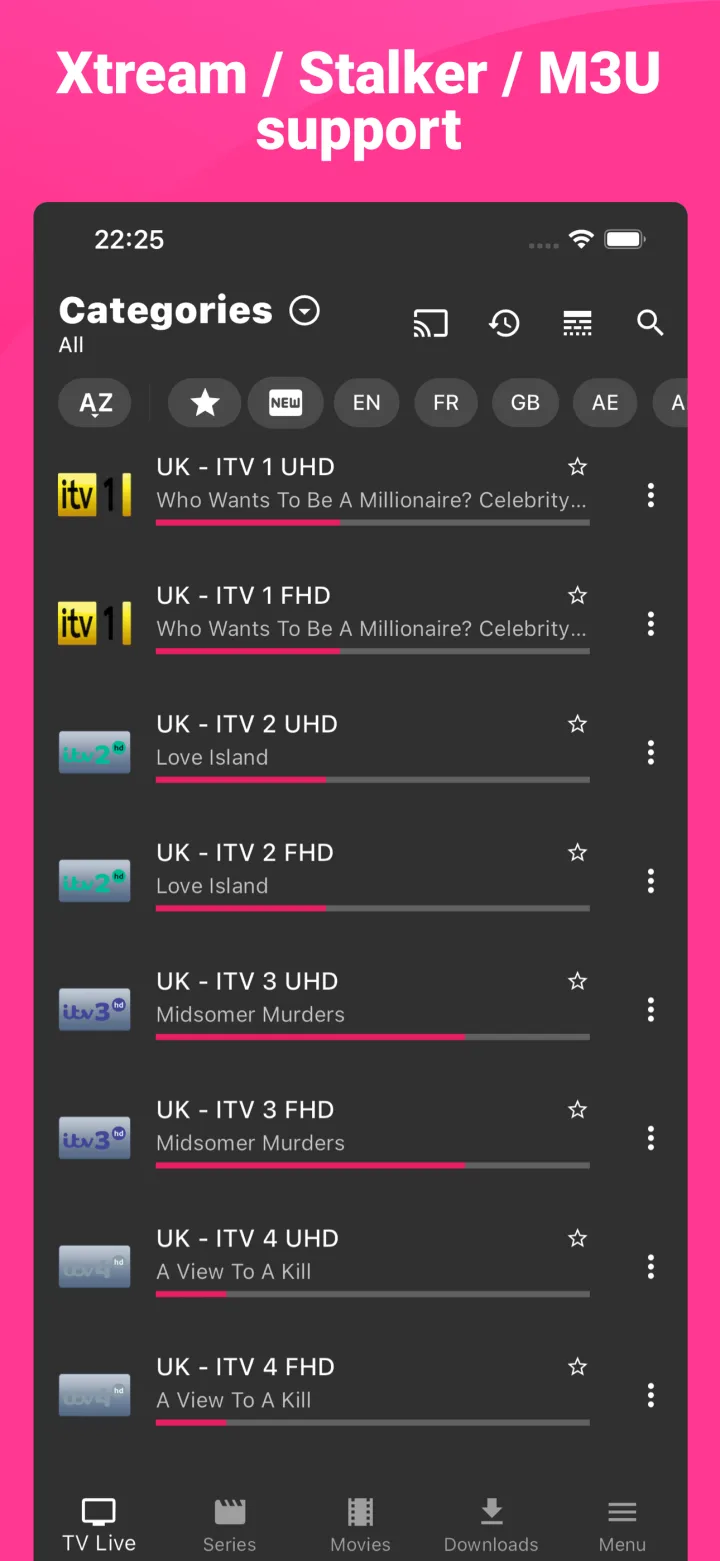
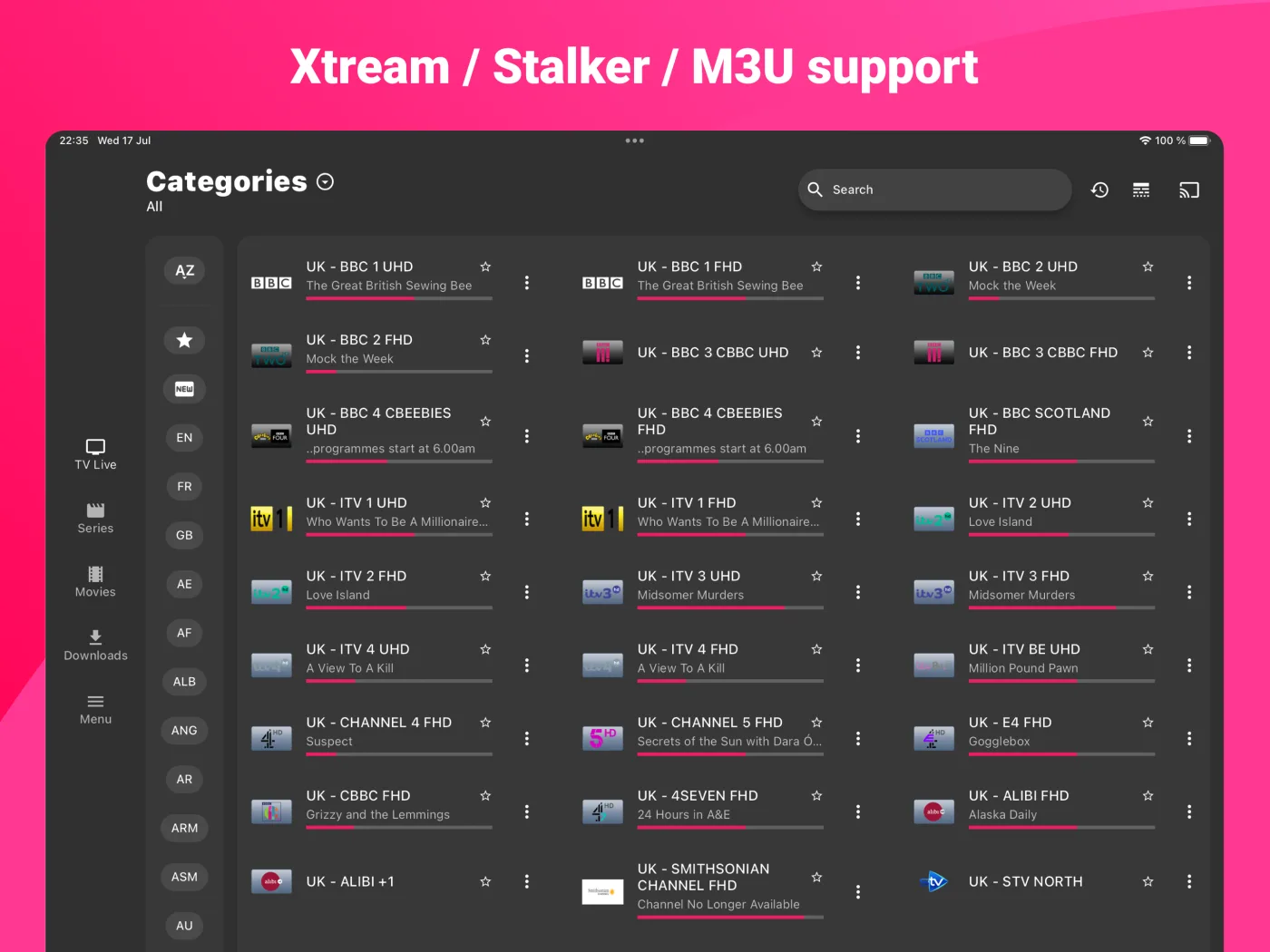
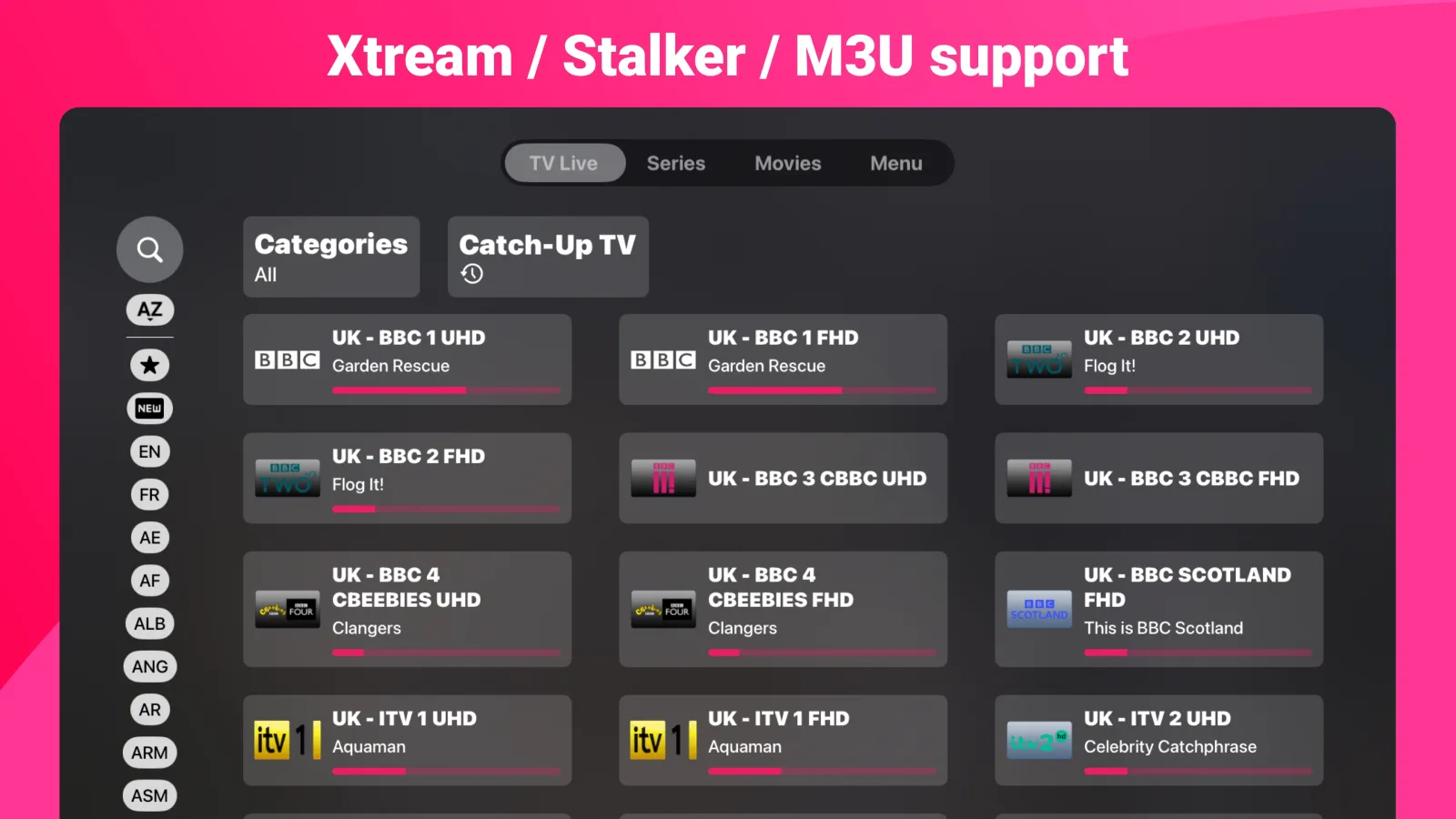
Connect M3U/M3U8 URLs, Xtream Codes and Stalker Portal details, add multiple sources and move between them without rebuilding your setup.
M3U / M3U8Xtream CodesStalker Portal
One library. Every screen.
Start on the sofa, continue on your phone and pick up on desktop. IPTV Expert keeps your sources, favorites, history, progress and personal organization aligned across compatible devices — then gives you the player to enjoy them.
IPTV Expert is a player. Channels, playlists and subscriptions are not included.
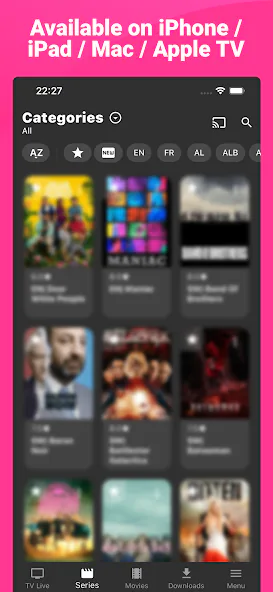
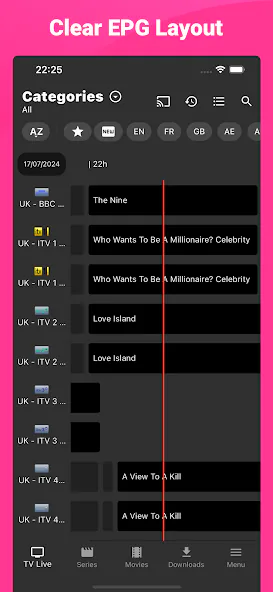
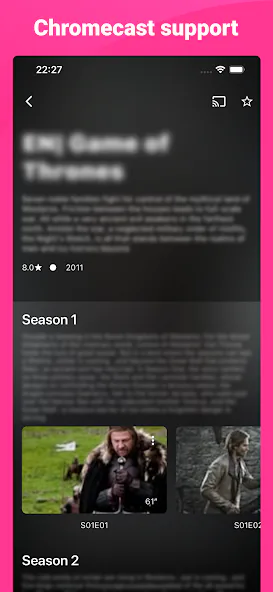
One player, built for the screens you actually use
Continuity is built in
An IPTV Expert account keeps the parts of your setup that matter aligned across compatible devices. The living room, your phone and your computer feel like one continuous library instead of three separate installations.
Account sync is available across compatible IPTV Expert devices.
Inside IPTV Expert
Connect the source you already use, shape a large library around the way you watch, and keep the details that matter moving with you.
Sources and library
IPTV Expert organizes the information exposed by your source without supplying content of its own.
Connect M3U/M3U8 URLs, Xtream Codes and Stalker Portal details, add multiple sources and move between them without rebuilding your setup.
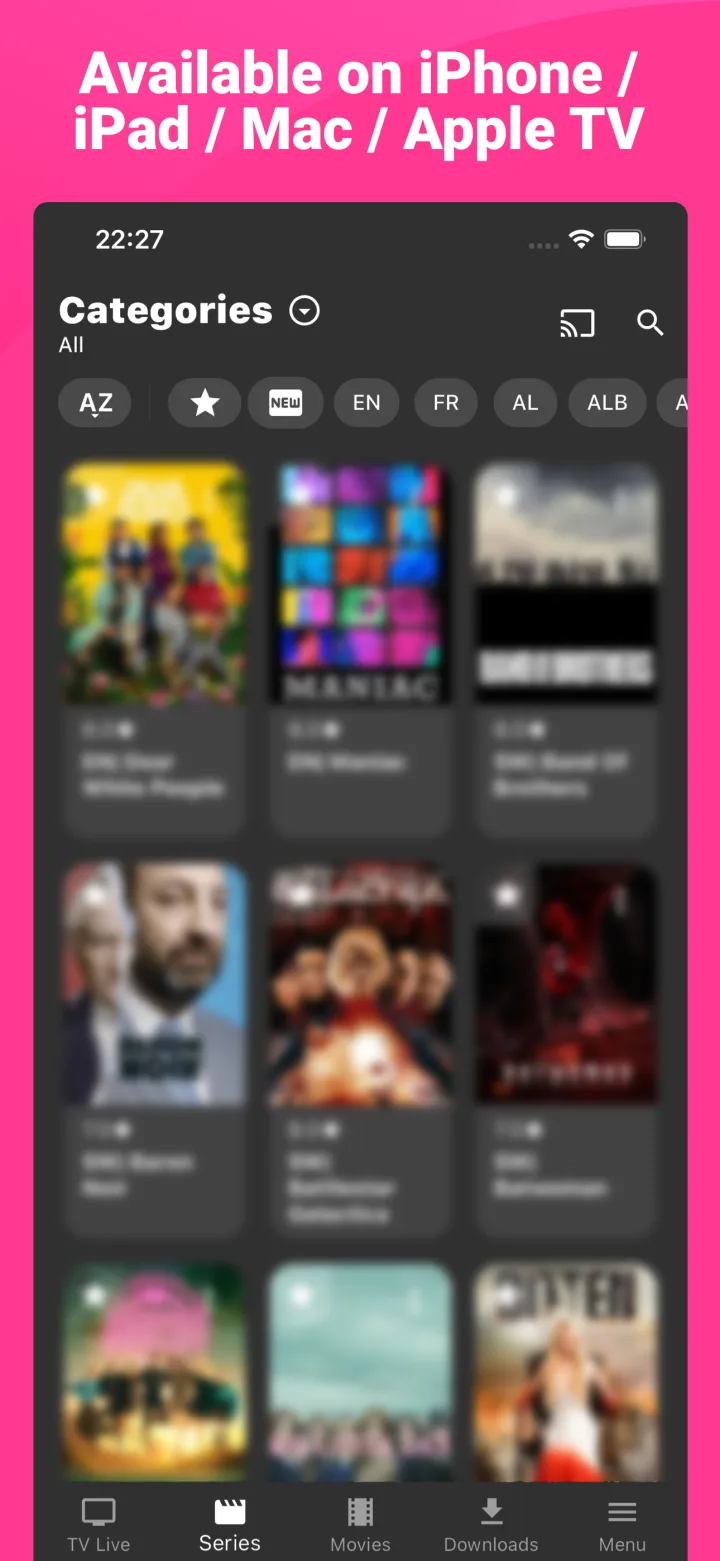
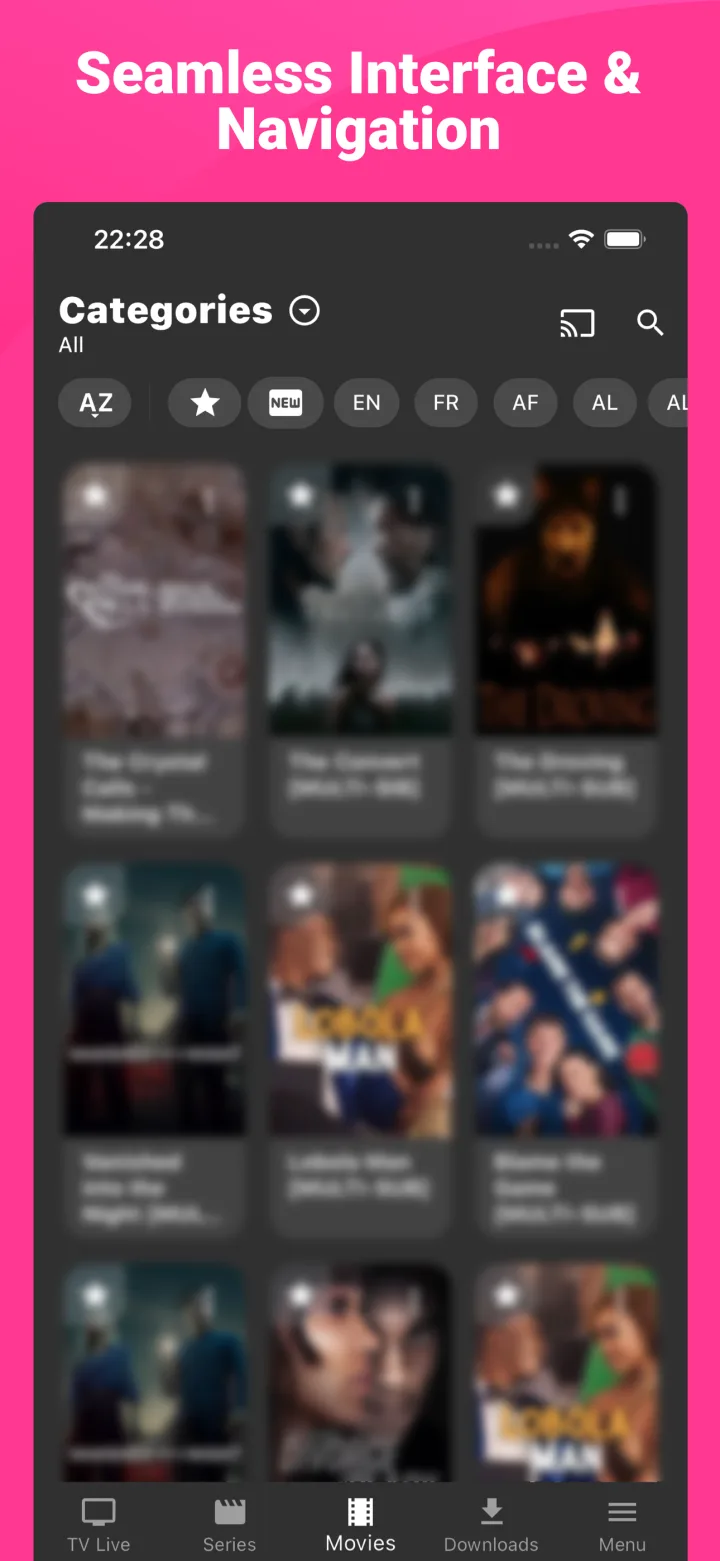
Automatic sections, favorite groups and custom groups keep very large catalogs readable.
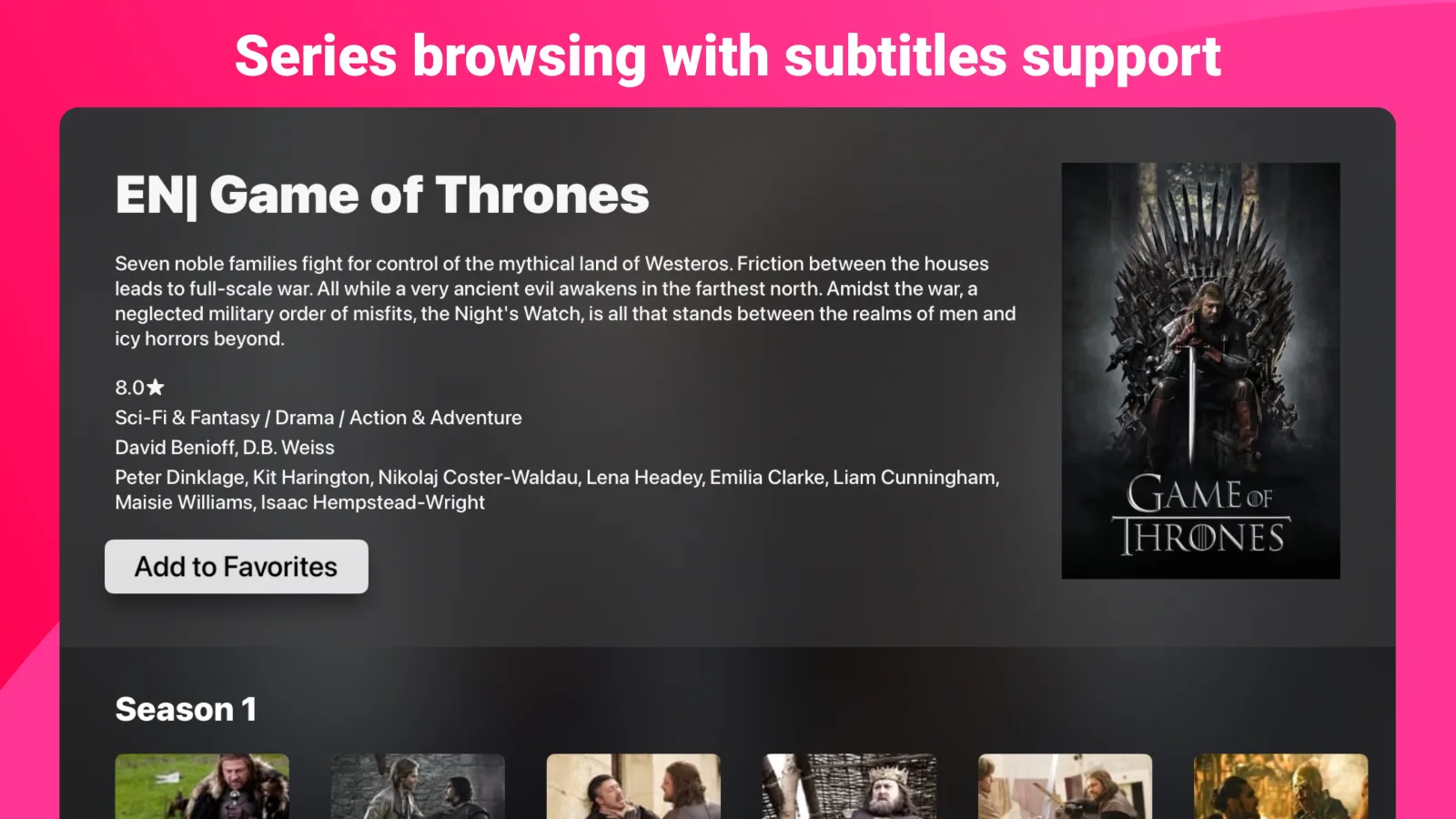
Search across available titles and guide data, use filters, and browse enhanced movie and series metadata when available.
Hide individual items or entire groups and set default categories and sorting for the sections you open most.
Playback
A playback surface for touch, remote, pointer and keyboard — with the essential controls in reach on each.
Play up to 4K, HDR and Dolby Vision when supported by the connected stream, hardware, operating system and display.
Choose audio and subtitle tracks, search OpenSubtitles from the player, set a preferred language and adjust subtitle size, color and background.
Keep a compatible video visible in a compact always-on-top view while you use another app or work elsewhere on the desktop.
Build a grid of up to four live channels, choose the one you hear, bring one to full screen and rearrange the grid with the remote, touch, mouse or keyboard. How many channels play together depends on the connections your provider allows.
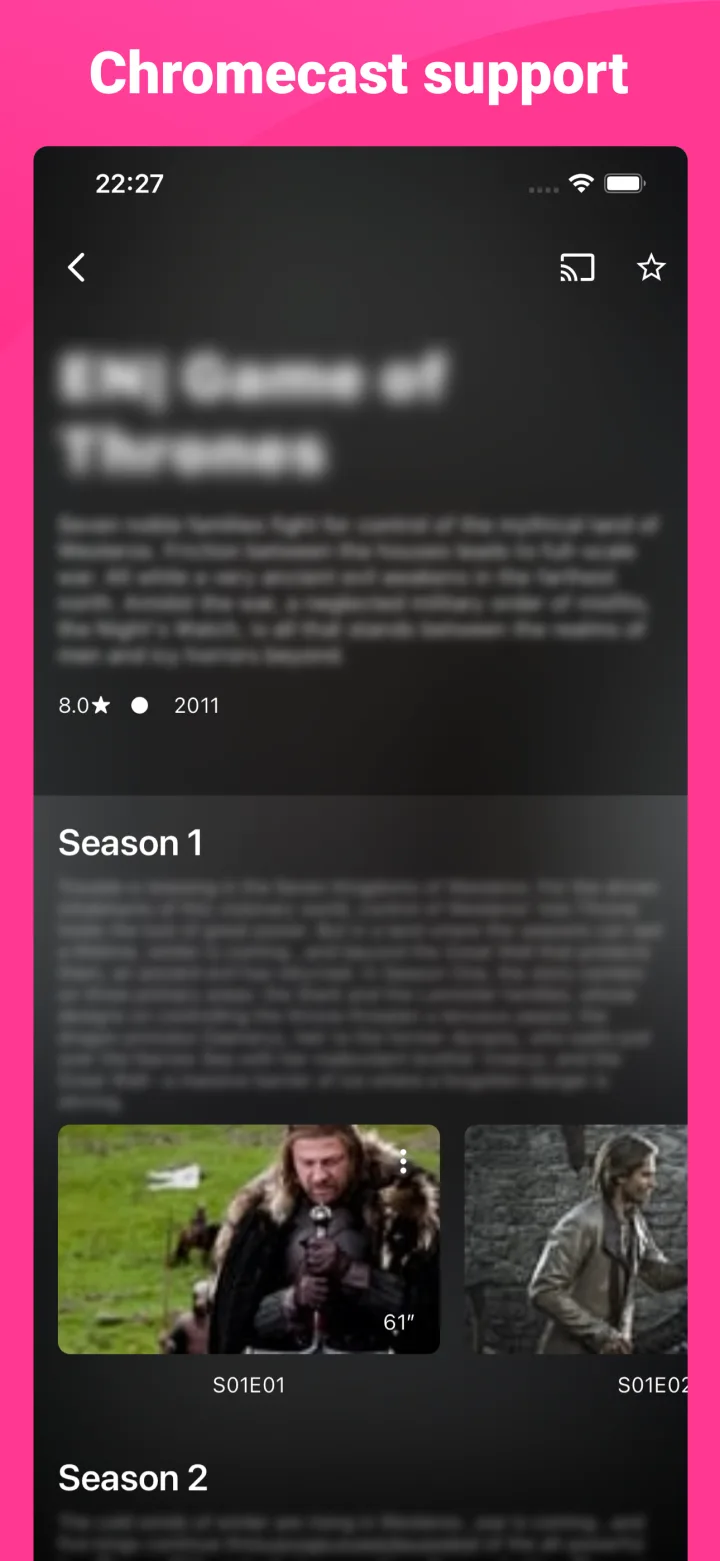
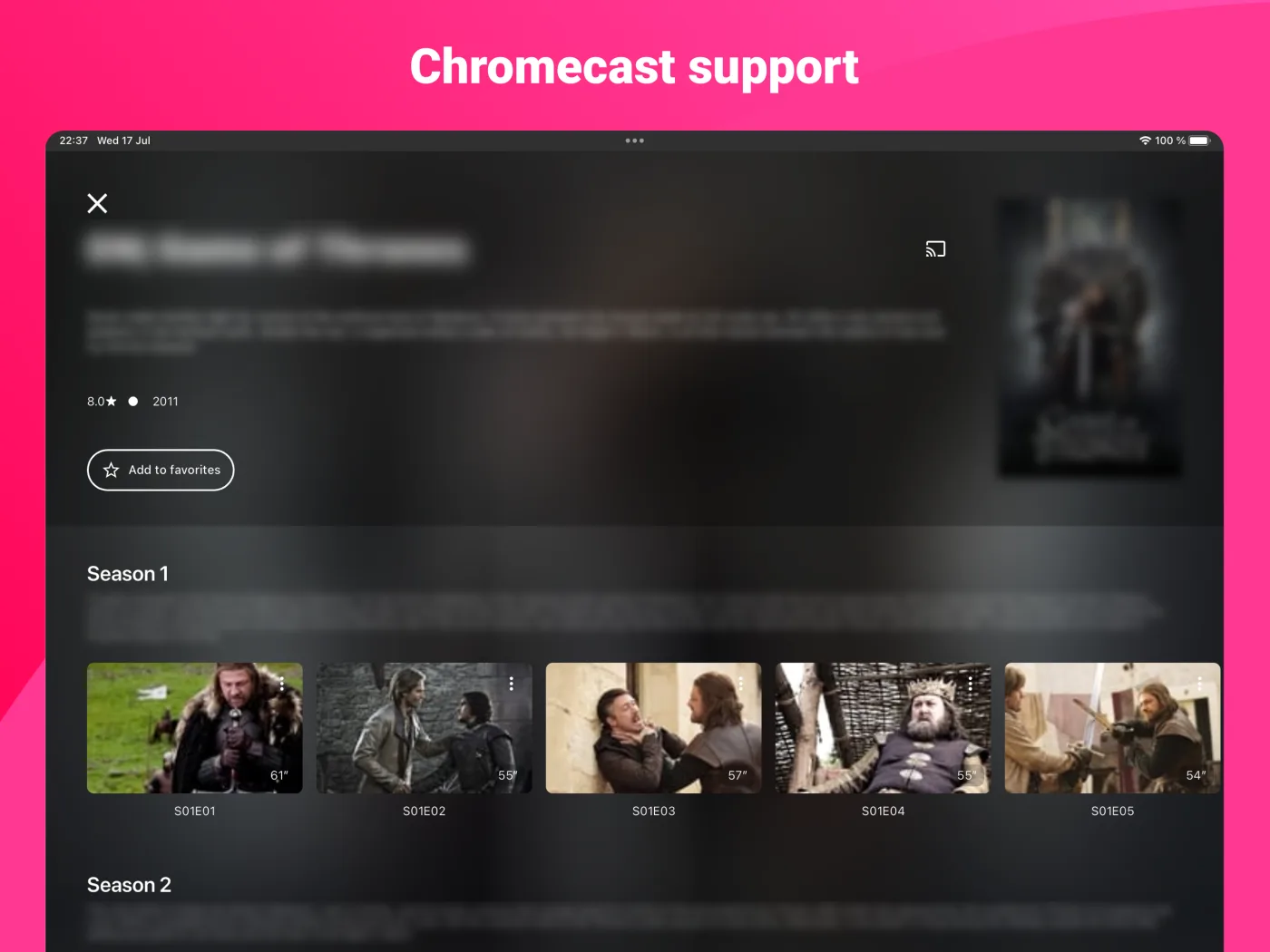
Discover compatible receivers, send supported streams to the television and manage playback, seeking and volume from the app.
Choose playback speed from 0.25× to 2×, configure skip duration, seek precisely and use touch gestures for common adjustments.
Guide, sync and offline
Keep your place, recover the schedule and take supported items offline when the situation calls for it.
Sync sources, favorites, favorite groups, recents, playback progress, custom groups and hidden items. Resume from the progress saved to your account.
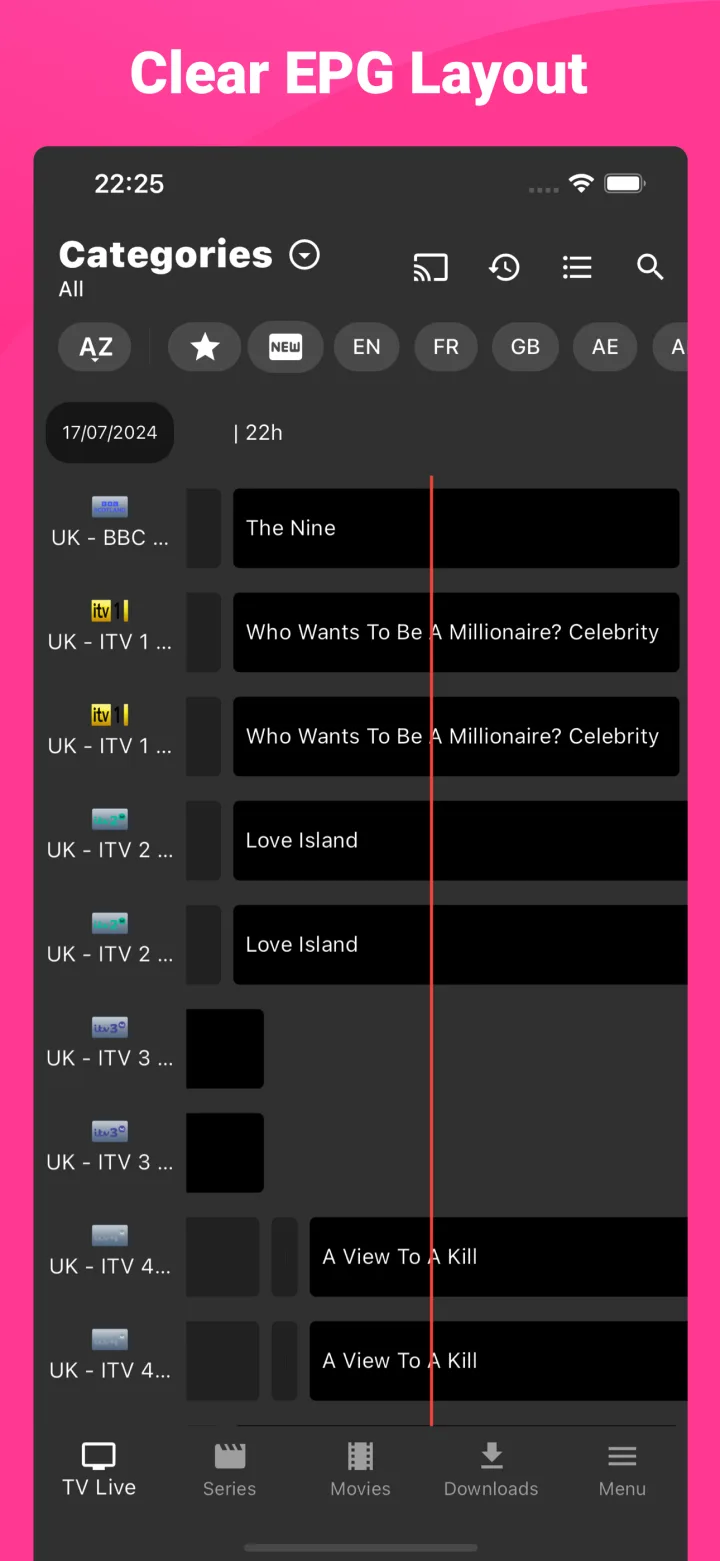
Load guide data from the connected source or an XMLTV URL, browse the grid, inspect program details and jump directly to the channel.
Open previous programs when your connected source exposes archive data and replay URLs. Availability always depends on that source.
Download supported films, episodes or seasons, follow progress and play completed files without a network connection.
Start and manage a recording from compatible live playback. Source, codec, platform and storage support can affect availability.
Preferences
The player adapts to your screen. Its behavior can adapt to your habits too.
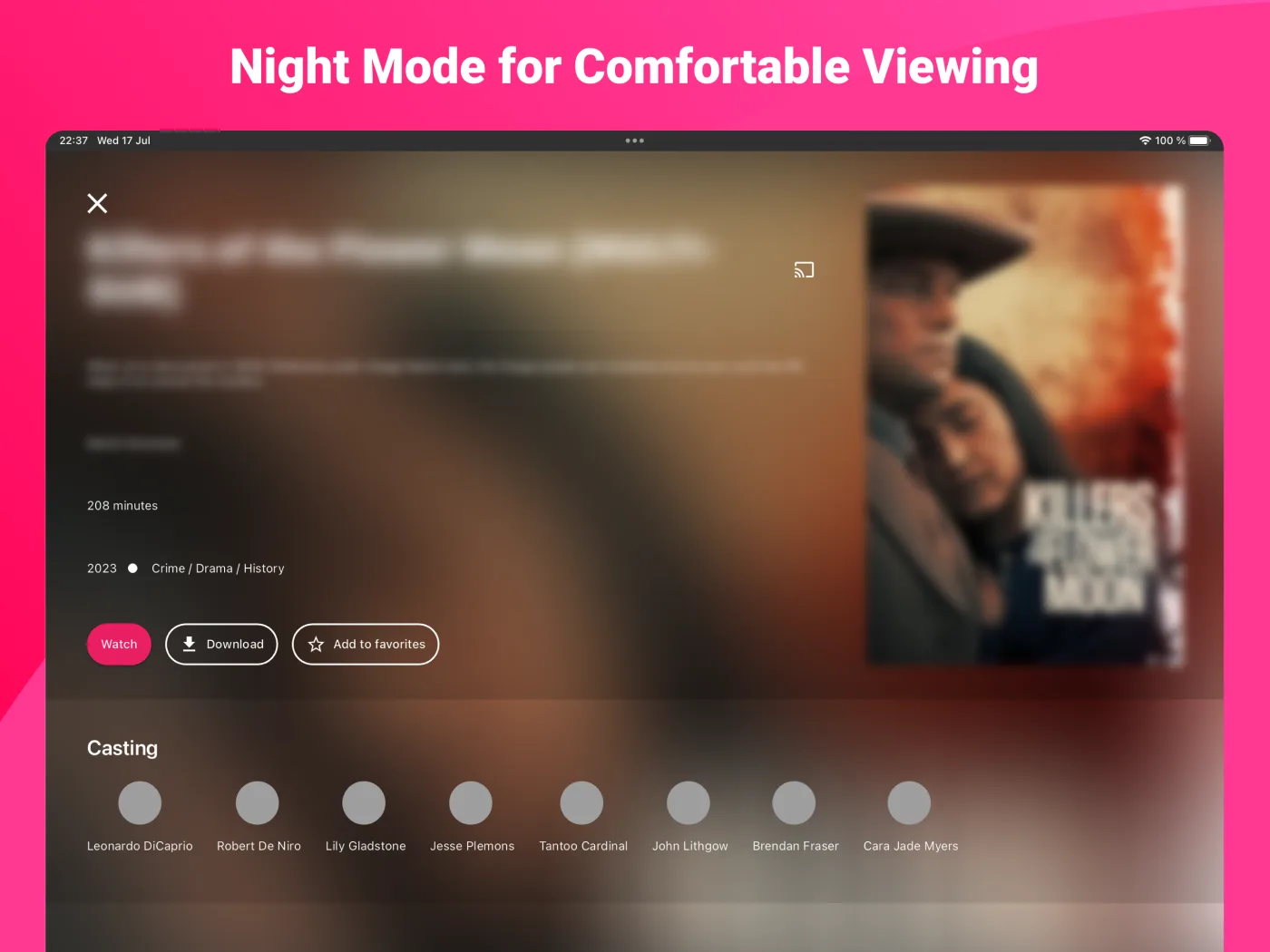
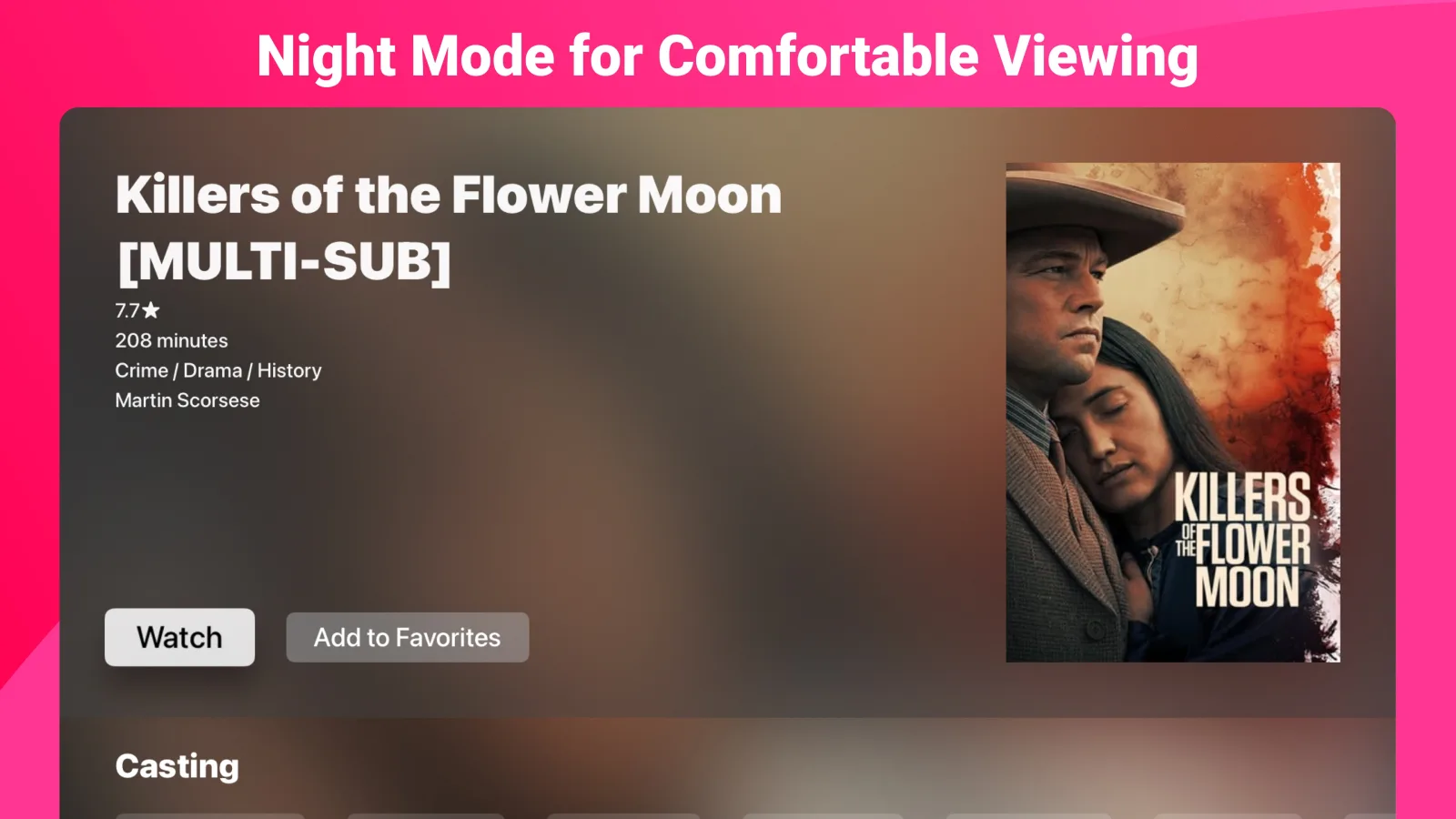
Choose the appearance that fits the room or let the operating system decide.
Set the opening tab, audio and subtitle languages, time format, default categories, sorting and series autoplay behavior.
Choose where favorites and recents appear, reorder favorites and clear recent activity by section or all at once.
IPTV Expert contains no channels, playlists or subscription. Connect only sources you are authorized to access.
A closer look
Switch between the mobile, tablet and TV layouts to see how IPTV Expert adapts its hierarchy, density and controls to each screen.
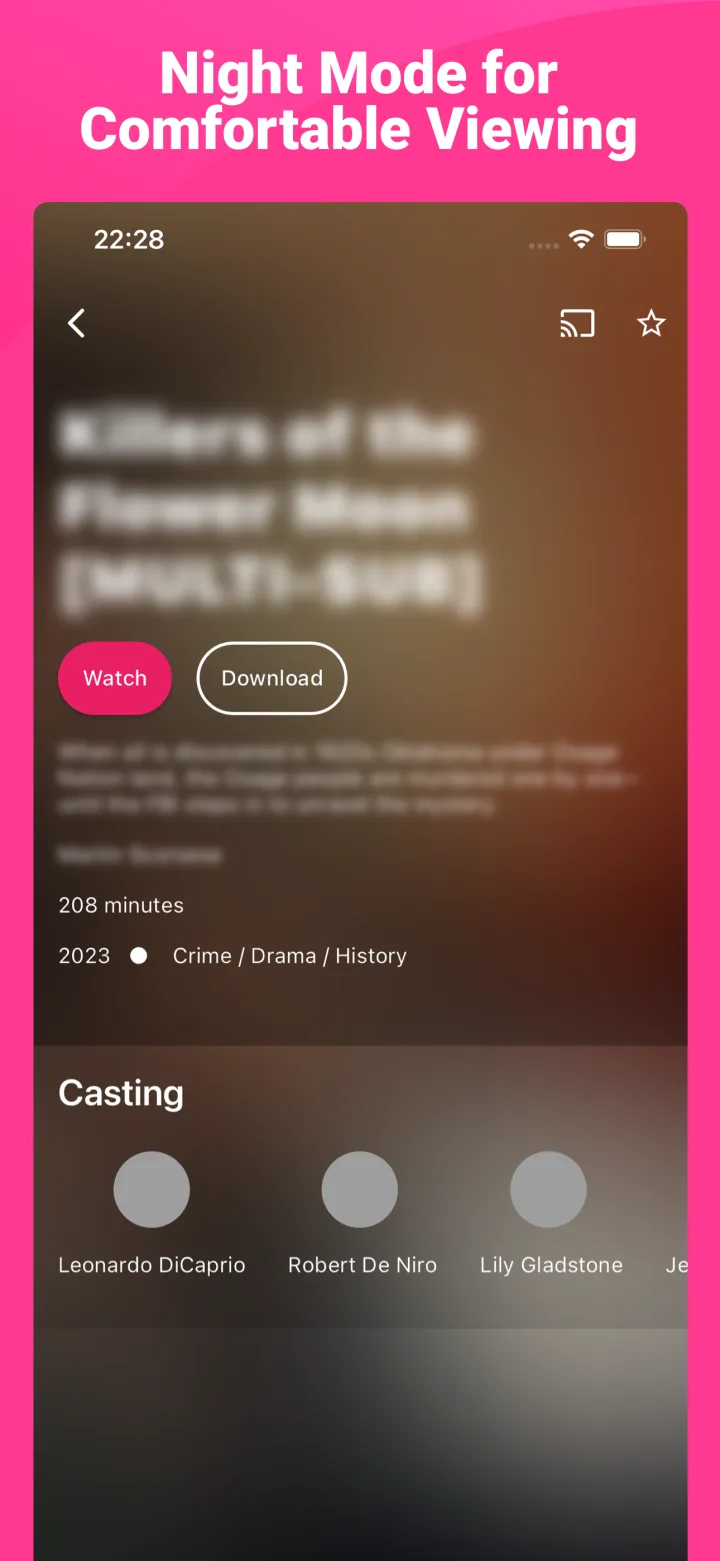
Yours in three moves
IPTV Expert never inserts itself between you and your provider. It gives the source you are authorized to use a better place to live.
Open the official store for your phone, tablet, television or computer. Android APK routes are available for supported sideloading.
Add the M3U/M3U8, Xtream Codes or Stalker Portal details supplied by your authorized service.
Set favorite groups, guide preferences, default languages, theme and player behavior — then just press play.
Every platform. One place.
Choose the official store for your phone, television or computer, or use the signed Android builds below.
First-party smart links. No channels or subscription included.



Direct installation
Use direct installation only on devices you control. Keep automatic update checks enabled so installed builds can follow published releases.
The signed mobile build for Android phones and tablets, with its dedicated Downloader shortcut.
The television build for compatible Android TV, Google TV and Fire TV devices.